
Step 1
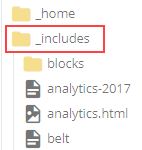
Go to the _includes folder and view.

Go to the _includes folder and view.
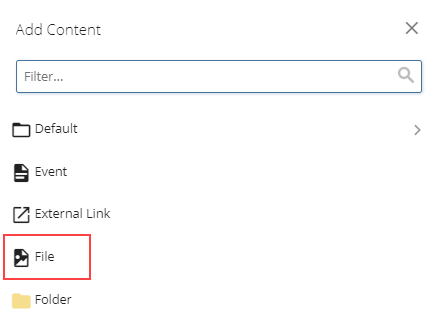
Go to Add Content and select File.
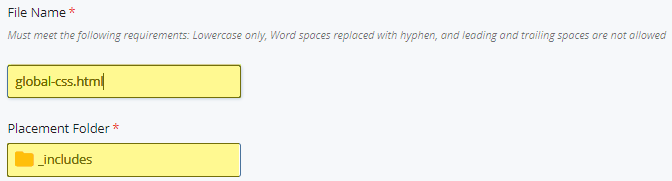
In the File Name field, enter global-css.html. Ensure that the Placement Folder is the _includes folder.
In this file, include only the line below. This content does not look like a typical includes file, but is accurate.
web/3.2.x/iu-global-css.html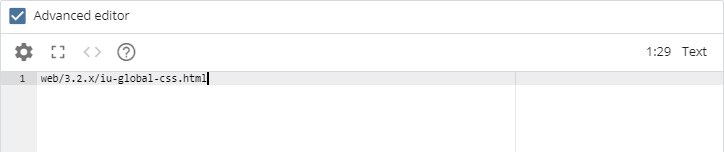
Click Submit to save the file.
Go to _includes/css.html file.
This file will contain "<link href="/_assets/css/site.css" rel="stylesheet" type="text/css" />" and references to other CSS files.
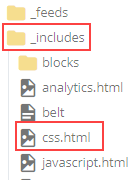
Remove any references to links pointing to assets.iu.edu and fonts.iu.edu.

Submit to save changes.